When you’re starting in photography, switching to manual mode can feel daunting. It may seem easier to stick to automatic settings, allowing your camera to handle everything. But mastering manual mode is a game-changer, giving you complete creative control. If you want to elevate your photography skills and capture images that reflect your unique vision, here’s a guide to help you confidently take the plunge into manual mode.
Why Manual Mode Matters
Manual mode allows you to control three essential elements of exposure: shutter speed, aperture, and ISO. These settings work together to determine how your camera captures light. By understanding how they interact, you can make deliberate choices about the exposure, depth of field, and motion in your images.
1. Understanding the Exposure Triangle
- Shutter Speed: This controls how long your camera’s shutter remains open. A fast shutter speed (like 1/1000) freezes motion, perfect for sports or action shots. Slower shutter speeds (like 1/30) introduce motion blur, ideal for capturing light trails or giving a dreamy effect to flowing water.
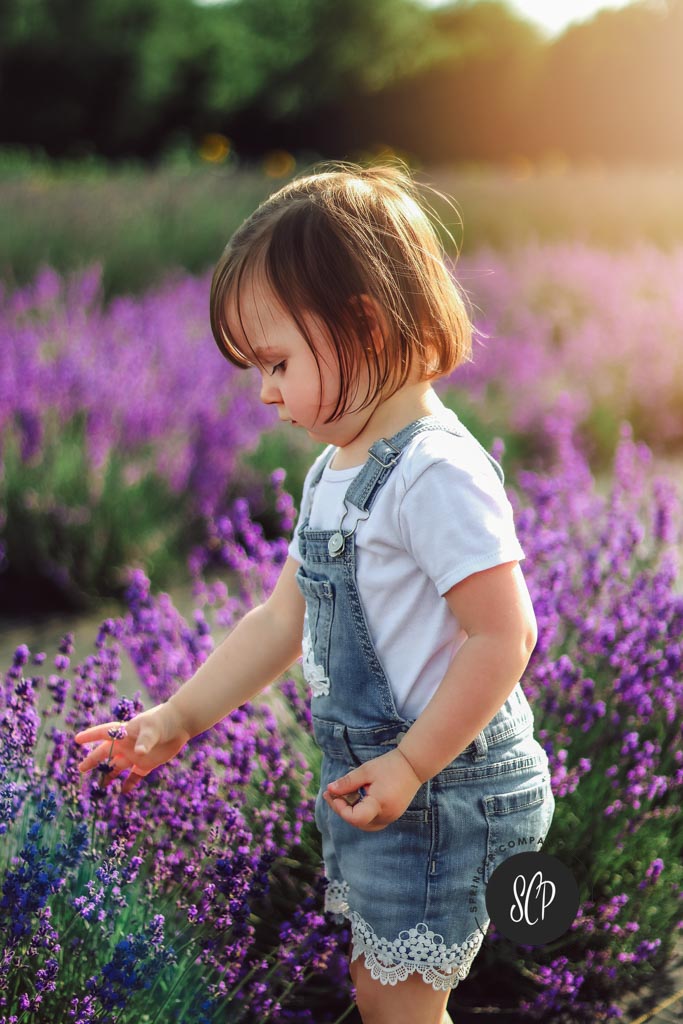
- Aperture (f-stop): Aperture dictates how much light enters your camera. A wide aperture (e.g., f/1.8) allows more light in and creates a shallow depth of field, ideal for portraits with a creamy background blur. Narrower apertures (e.g., f/16) keep more of the scene in focus, useful for landscapes.
- ISO: This setting determines how sensitive your camera’s sensor is to light. Lower ISOs (like 100) result in cleaner images with less noise but require more light. Higher ISOs (like 3200) are great for low-light conditions but can introduce noise or graininess.
2. How to Approach Manual Shooting
- Start Small: Practice by adjusting one setting at a time. Begin with shutter speed and shoot in shutter priority mode, allowing your camera to adjust aperture. Gradually, move to full manual.
- Use the Exposure Meter: Your camera has an exposure meter (a scale of negative to positive values). Aim to balance the indicator at 0 for a well-exposed image, but remember you can adjust for creative effect.
- Shoot, Review, and Adjust: Digital photography allows instant feedback. Take a test shot, review it on your camera’s LCD screen, and tweak your settings. Learn what works for different scenarios.
3. Overcoming Common Challenges
- Low-Light Conditions: Increase your ISO and open up the aperture to let in more light. Use a slower shutter speed if you can keep the camera steady or use a tripod.
- Overexposure and Underexposure: If your image is too bright, consider using a faster shutter speed, reducing your ISO, or narrowing your aperture. For dark images, do the opposite.
- Moving Subjects: Freeze motion with a faster shutter speed. If necessary, raise your ISO to maintain a well-exposed image without motion blur.
4. Practice, Patience, and Creativity
Manual mode offers unparalleled creative control. Every shooting condition is different, and practice is key. Take your camera out regularly, experiment with settings, and analyze your shots to understand what adjustments can produce the best results.
Bonus Tips for Portrait and Real Estate Photographers
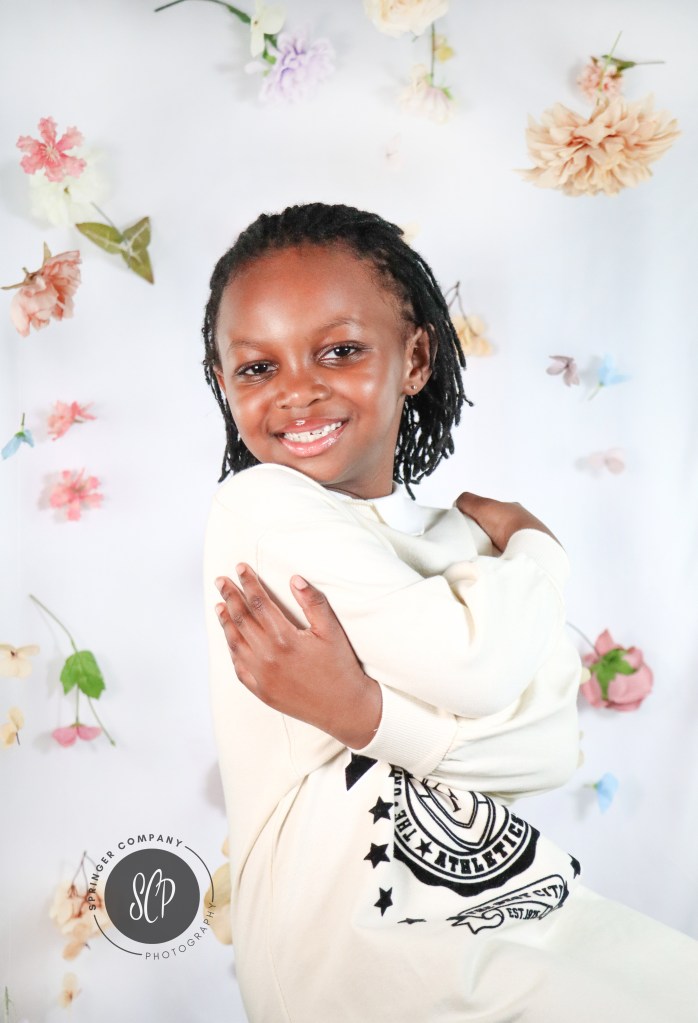
For portrait photographers, use wide apertures to isolate your subject from the background and create beautiful bokeh. Real estate photographers should prioritize a deep depth of field (higher f-stops) to keep entire rooms in focus and consider using a tripod for stability during long exposures in low light.
Mastering manual mode isn’t about getting it right every time—it’s about growing as a photographer. With dedication, you’ll unlock the potential to create powerful, expressive, and technically stunning photos. Take your camera in hand, set it to manual, and capture the world as you see it—your way.
Happy shooting!
Looking for photography-themed apparel and products? Check out my Etsy shop for shirts, totes, mugs, and candles!

Leave a comment